
WordPress to Umbraco Migration: Complete Strategy, Process, and Best Practices
Thinking about migrating from WordPress to Umbraco? This complete guide covers everything — from content audits and block mapping to SEO preservation, accessibility, performance, and a smooth go-live strategy.
Migrating from WordPress to Umbraco is more than a platform switch. Done properly, it is a chance to rethink your entire digital setup — improve performance, tighten security, clean up your content architecture, and build something that is genuinely easier to manage going forward.
A lot of businesses reach a point where WordPress starts working against them rather than for them. Plugin conflicts pile up, page speed slows down, security becomes a constant concern, and the editor experience gets messy. Umbraco offers a modern, .NET-based alternative that gives development teams real control over structure and gives content editors a far cleaner experience.
This guide walks through the full migration journey — from auditing what you have, to designing your Umbraco architecture, to getting content across safely and launching with your SEO intact.
Why Businesses Move from WordPress to Umbraco
Most businesses do not wake up one day and decide to change their CMS. The decision usually builds up over time as the pain points become harder to ignore.
Common reasons businesses make the move include:
- Plugin conflicts and growing maintenance overhead
- Slow page performance that hurts conversions and search rankings
- Security vulnerabilities tied to outdated plugins and dependency chains
- Inconsistent content structures that make editing frustrating
- Limited capability for enterprise-level integrations
- Poor accessibility compliance across existing templates
- A complex, cluttered editor experience
- No clear content architecture or reusable block system
- Inability to support multisite or headless delivery requirements
- Need for API-driven content or headless architecture
If any of those sound familiar, the migration process itself — done well — becomes as valuable as the destination.
Understanding the Migration Process
One of the biggest mistakes in any CMS migration is treating it as a rebuild exercise — just recreating what already exists in a new platform. A successful WordPress to Umbraco migration should be a strategic project, not a copy-paste exercise.
The process should cover:
- Website discovery and auditing
- Content structure analysis
- Page type identification
- Block and component mapping
- Plugin and integration assessment
- Performance auditing
- Accessibility assessment
- SEO preservation planning
- Content migration strategy
- Umbraco architecture planning
- Development and implementation
- Testing and optimisation
- Go-live and monitoring
Step 1: Audit the Existing WordPress Website
Before a single line of code is written, the existing WordPress site needs to be understood thoroughly. This is where most migrations go wrong — teams rush past discovery and end up rebuilding problems rather than solving them.
A proper audit identifies:
- All existing pages and their purpose
- Content types in use
- Key user journeys
- Forms and their integrations
- Active plugins
- Third-party integrations
- Current SEO structure and rankings
- Media assets and their condition
- Existing accessibility problems
- Performance bottlenecks
- Security issues

What the Discovery Phase Actually Reveals
The discovery phase is one of the most valuable parts of a WordPress to Umbraco migration. It helps you decide what should be migrated, what should be improved, what can be consolidated, and what should simply be removed. Most WordPress sites carry a surprising amount of dead weight — outdated plugins, duplicated content, inconsistent layouts, and pages nobody visits. The migration is the right moment to deal with all of it.
Identifying WordPress Page Types
One of the first concrete migration tasks is mapping all of the page types currently in use across the site. Knowing what you have makes it much easier to design what you need in Umbraco.
Typical WordPress page types include:
- Homepage
- Landing pages
- Service pages
- Product pages
- Blog articles
- Case studies
- Team pages
- Contact pages
- FAQ pages
- Campaign pages
- Category pages
- Search pages
- Legal pages
- Event pages
Each page type should be documented with its URL structure, metadata, SEO configuration, templates, functional components, forms, dynamic elements, external integrations, and content ownership. That documentation becomes the foundation for your Umbraco architecture.
Identifying WordPress Blocks and Components
Many WordPress sites are built on page builders — Elementor, WPBakery, Divi, Gutenberg, or custom shortcode systems. These can feel flexible when you first use them, but they tend to become messy, inconsistent, and difficult to maintain over time.
During migration, every reusable component needs to be reviewed and redesigned as a structured Umbraco block. This is where you get to replace the spaghetti with something clean.
Typical reusable blocks to identify include:
- Hero banners
- Image galleries
- Accordions and FAQs
- Testimonial sections
- Calls to action
- Card grids
- Sliders
- Video sections
- Rich text areas
- Forms
- Statistics counters
- Icon grids
- Pricing tables
- Team profiles
- News and blog listings
- Navigation menus

Mapping WordPress Components to Umbraco Blocks
One of Umbraco's biggest advantages over WordPress page builders is its structured content model. Rather than relying on visual builder tools that generate inconsistent markup, Umbraco lets developers create reusable, scalable, and properly controlled blocks that editors can use safely.
Here is how some typical WordPress components translate into Umbraco:
| WordPress Component | Umbraco Equivalent |
|---|---|
| Elementor Hero Section | Hero Banner Block |
| Gutenberg CTA | CTA Block |
| WPBakery Accordion | Accordion Block |
| WordPress Gallery | Gallery Block |
| Contact Form 7 Form | Umbraco Forms |
| Blog Post Template | Blog Content Type |
| Sidebar Widgets | Reusable Components |
| Shortcodes | Structured Block Elements |
The payoff from doing this mapping properly is significant:
- A much better editor experience
- Cleaner, more predictable content management
- More consistent layouts across the site
- Better scalability as the site grows
- Easier future redesigns without content loss
Reviewing Plugins and Integrations
Most WordPress websites accumulate plugins over time. Some are essential. Many are not. And some are actively creating technical debt, security risk, or performance drag.
The migration process needs to answer three questions for every plugin: is it still needed, can it become native Umbraco functionality, and should the underlying integration be modernised?
Common WordPress plugins reviewed during migration include:
- SEO plugins
- Form builders
- Caching plugins
- Security plugins
- Analytics tools
- Booking systems
- Membership systems
- Ecommerce plugins
- Marketing automation tools
- Accessibility tools
Modernising Integrations During Migration
A migration is one of the best opportunities you will have to step back and redesign your integration architecture. Many WordPress sites end up with a patchwork of disconnected plugins and third-party tools that were added one at a time without any overall design.
Typical integrations to review and modernise include:
- Salesforce and HubSpot
- Dynamics 365
- Mailchimp and ActiveCampaign
- Google Analytics and Google Tag Manager
- Booking systems
- Payment gateways
- CRM and ERP systems
- DAM systems
- Ecommerce platforms
- Authentication providers
- Azure services and APIM layers

A Smarter Integration Architecture in Umbraco
Moving to Umbraco gives organisations the chance to rebuild their integration landscape using proper APIs, cloud services, and structured data flows — instead of relying on disconnected WordPress plugins that were never designed to work together. The result is a more secure, more scalable, and far more maintainable digital ecosystem.
Capturing Website Performance Issues
WordPress performance tends to degrade gradually. You add a plugin here, a heavier theme there, and before long the site is loading slowly without any single obvious culprit.
Before rebuilding, document every performance problem. Common causes include:
- Heavy, bloated themes
- Plugin overload
- Unoptimised images
- Large JavaScript bundles
- Render-blocking assets
- Poor hosting environments
- Database bloat
- Inefficient caching
Key performance metrics to capture include:
- Core Web Vitals (LCP, CLS, FID)
- Time to First Byte (TTFB)
- Lighthouse scores across mobile and desktop
- Page weight and asset loading behaviour
Performance Improvements with Umbraco
A properly built Umbraco solution can be significantly faster than a plugin-heavy WordPress site. The performance improvements come from deliberate architecture decisions rather than just switching platform.
Optimisation strategies used in Umbraco implementations include:
- Server-side rendering
- CDN integration
- Modern image optimisation and lazy loading
- Component-based rendering
- Better caching strategies
- Reduced JavaScript dependency
- Cloud hosting optimisation
- Headless or static rendering where appropriate

Identifying Accessibility Issues
Accessibility is one of the most commonly overlooked areas in older WordPress implementations. Many sites have problems that have been there for years — not because anyone intended to exclude users, but because accessibility was never prioritised when the site was built.
Common issues to look for include:
- Poor heading structures
- Missing image alt text
- Keyboard navigation problems
- Low colour contrast
- Improper or missing ARIA attributes
- Inaccessible forms
- Inconsistent focus states
- Screen reader compatibility issues
An accessibility audit before migration helps you understand the current compliance gap — and plan to close it properly in the new build.
Rebuilding Accessibility Properly in Umbraco
Migration is one of the few moments where you get a genuine clean slate on accessibility. Rather than retrofitting fixes onto a broken foundation, you can design accessible components from the beginning.
Accessibility improvements that should be built into the new Umbraco implementation include:
- Semantic HTML structure throughout
- Accessible navigation with skip links and keyboard support
- Proper heading hierarchy in all templates
- Full keyboard accessibility
- Screen reader compatibility
- Accessible forms with clear labels and error handling
- Appropriate ARIA labels
- Proper focus management
- WCAG-compliant colour contrast
- Accessible media handling
Building Accessibility In From the Start
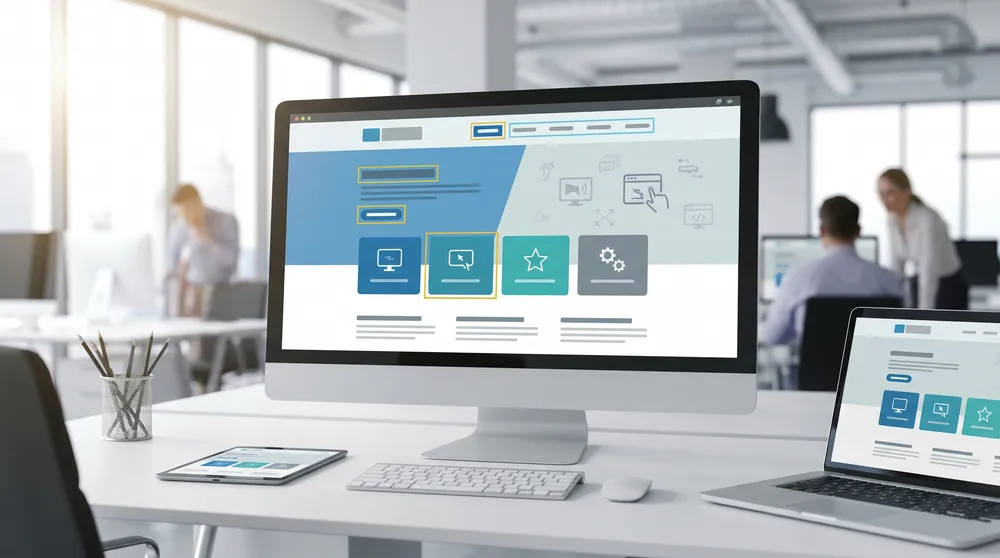
An accessibility-first migration approach means every reusable Umbraco block is designed correctly from day one. This stops accessibility problems from spreading across the site as editors add new content. It also improves compliance, usability, and — as a side benefit — SEO performance.
Designing Umbraco Page Types
Once the audit is complete, the Umbraco architecture can be designed. This is the point where everything you have learned about the existing site gets translated into a clean, structured CMS model.
Typical Umbraco page types designed during migration include:
- HomePage
- ContentPage
- ServicePage
- ProductPage
- BlogArticlePage
- LandingPage
- TeamMemberPage
- EventPage
- FAQPage
- ContactPage
- SearchPage
- CategoryPage
Each page type should define its allowed blocks, SEO fields, metadata, canonical settings, Open Graph fields, navigation settings, structured data support, and publishing workflows.
Designing Umbraco Block Structures
Reusable blocks are what make content management genuinely pleasant in Umbraco. Editors can compose pages from a controlled set of building blocks, rather than fighting with a visual page builder or writing shortcodes.
Common Umbraco blocks created during migration include:
- HeroHeaderBlock
- WysiwygBlock
- FiftyFiftyBlock
- AccordionBlock
- ImageGalleryBlock
- CTAButtonBlock
- TestimonialBlock
- FormBlock
- VideoBlock
- CardGridBlock
- StatisticsBlock
- FAQBlock
- RelatedContentBlock
Every block should be designed to support responsive layouts, accessibility compliance, SEO-friendly markup, structured content, reusability, and future scalability.
Content Migration Strategy
Content migration is where a lot of teams underestimate the effort required. It is not just a matter of exporting WordPress and importing into Umbraco. Done properly, it is a structured process with real decisions at every step.
The migration strategy should define:
- What content gets migrated as-is
- What content gets archived
- What content needs to be rewritten or improved
- How media assets will be handled
- How SEO metadata will be preserved
- How redirects will be managed
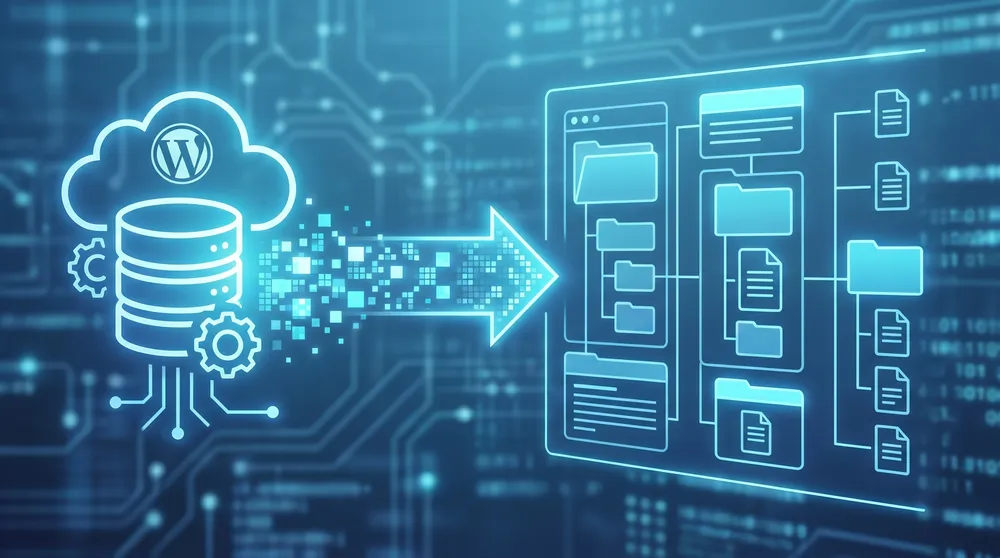
Content migration may involve automated imports, API-driven migration, CSV imports, manual content review, media migration, and metadata mapping. Content should also be cleaned during migration to remove duplicated pages, outdated articles, broken media, poor formatting, and legacy shortcode content.
SEO Preservation During Migration
SEO is the area where migrations most commonly go wrong. Rankings that took years to build can be damaged quickly if URL changes, metadata loss, and broken internal links are not handled carefully.
Key SEO tasks that must be addressed include:
- Preserving URL structures wherever possible
- Implementing 301 redirects for any URLs that change
- Migrating all metadata — titles, descriptions, and Open Graph fields
- Maintaining schema markup
- Preserving indexation signals
- Updating XML sitemaps
- Maintaining internal linking
- Preserving canonical URLs
The migration deliverables should include a redirect mapping document, crawl comparison analysis, indexation monitoring setup, and structured data validation.
Security Improvements During Migration
WordPress security problems are largely a consequence of how the plugin ecosystem works — a single outdated plugin can expose the entire site. Migrating to Umbraco is an opportunity to simplify and genuinely strengthen your security posture.
Security improvements typically built into a new Umbraco implementation include:
- Significantly reduced plugin dependency
- Role-based permissions with proper access controls
- Secure authentication
- Azure security integration
- CDN protection
- WAF implementation
- Secure APIs
- Proper security headers
- Regular vulnerability scanning
Performance Testing After Migration
After development is complete, the site needs to be tested thoroughly before launch. Performance testing should cover:
- Lighthouse testing across mobile and desktop
- Core Web Vitals validation
- Mobile responsiveness
- Load testing under realistic traffic conditions
- CDN validation
- Image optimisation validation
- Caching validation
- API performance testing
Accessibility Testing After Migration
Accessibility testing should include both automated tooling and manual review. No automated tool catches everything, so combining the two is important.
Tools commonly used include:
- Lighthouse
- axe DevTools
- WAVE
- NVDA
- JAWS
- Colour contrast analysers
Accessibility should be tested across desktop, tablet, mobile, screen readers, and keyboard-only navigation.

Go-Live Strategy
A well-planned go-live is what separates a smooth launch from a stressful one. The strategy should include:
- A final content freeze
- Redirect deployment
- DNS planning and timing
- SEO verification checklist
- CDN validation
- Monitoring setup
- Rollback planning
- Analytics verification
The goal is to minimise downtime, protect search visibility during the transition, and have clear procedures ready if anything unexpected happens.
Post-Migration Monitoring
Launch day is not the end of the project. The weeks after go-live are critical for catching anything that slipped through testing and confirming that the migration has landed well.
Post-launch monitoring should track:
- SEO performance and ranking changes
- Crawl errors and indexation
- Accessibility compliance
- Core Web Vitals in real-world conditions
- User behaviour and conversion paths
- Form submissions
- API health
- Security alerts
Getting the Migration Right
Migrating from WordPress to Umbraco is genuinely one of the best opportunities a digital team gets to improve almost everything about a website at once. Content architecture, performance, accessibility, security, integrations — all of it can be tackled in a single well-planned project.
The businesses that get the most from a migration are the ones who treat it as more than a platform switch. They use the process to think carefully about what they build, how editors will use it, and how the site will scale over the next few years.
A successful migration delivers:
- Structured, reusable content architecture
- Accessibility compliance built in from the start
- Measurable performance improvements
- Protected and often improved SEO performance
- Stronger security with far fewer vulnerabilities
- Scalable integrations designed to grow with the business
- A genuinely better experience for editors
With the right approach, organisations can move from a plugin-heavy, hard-to-maintain WordPress installation to a scalable, enterprise-ready Umbraco platform that is built for long-term growth.